Fund Analyst: Fundra's MCP ServerAI
One tool that writes code against your entire portfolio – complex analyses, custom reports, and fund accounting reconciliations, in whatever AI agent you already work in.
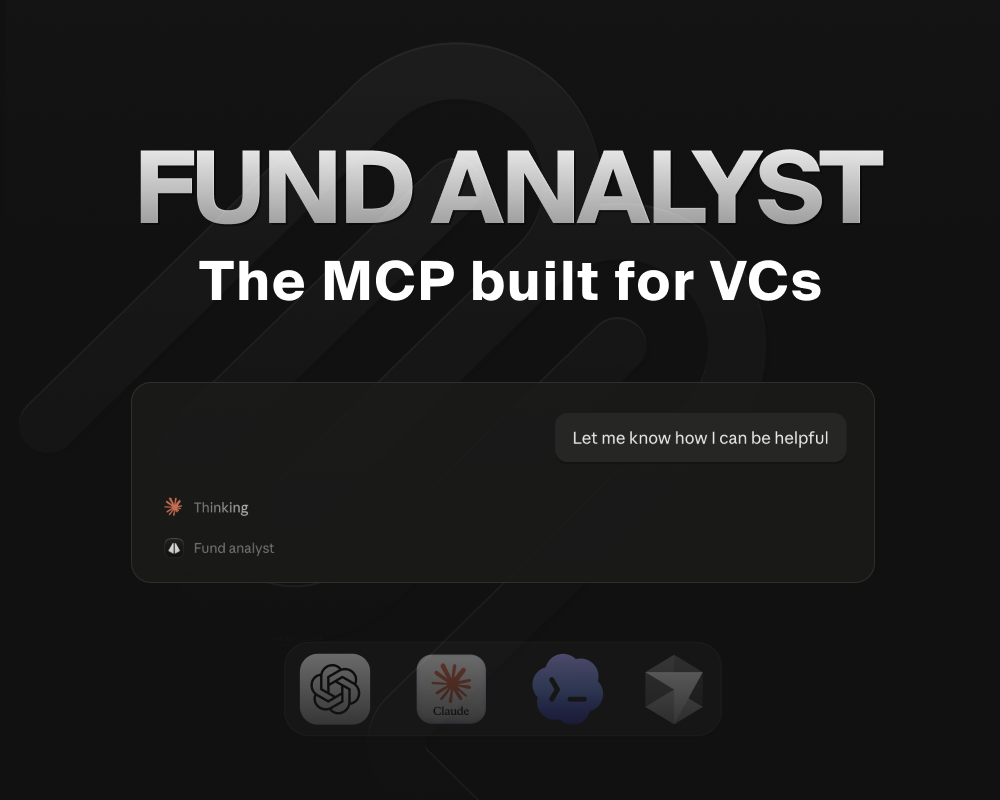
Most MCP servers are thin wrappers around an API. Forty endpoints, one tool each, and an agent left to stitch them together and hope for the best. It burns tokens, it burns time, and the answer at the end is usually a guess dressed up as a number.
We already had an API. So we built something else.
Today we're launching Fund Analyst – Fundra's MCP server that turns your portfolio data into answers you can actually trust, without wasting your tokens (management fees).
It's one tool. Instead of exposing every endpoint, Fund Analyst hands the agent the whole Fundra API as a typed interface and lets it write code to pull off bespoke analyses. One call instead of twenty, computed rather than guessed.
Ask for IRR, MOIC and other performance metrics across any arbitrary grouping – by vintage, by sector, by partner, by whatever slice you care about this morning
Say "my portfolio companies" and it knows exactly what you mean
Prep for the next board meeting, draft the LP update, reconcile fund accounting – you name it, quite literally
Manage your data in Fundra directly through your agent, and pull in outside context while you're at it
Fund admins and fractional CFOs can work across many funds with ease
Fund Analyst has access to the whole picture when it needs it – investments, valuations, fund performance, cap tables, metrics, board material, financial statements, meeting notes, contacts. But it surgically surfaces only what's relevant, without polluting your context window.
Because it reads figures Fundra has already calculated, "what's our IRR by sector?" uses the same logic as the number in your LP report. You get an arbitrary cut of the portfolio, not a second and differently-calculated version of the truth.
It works in whatever agent you already use – Claude, ChatGPT, Cursor, or any other MCP client. No API key, no local install: the server uses OAuth and inherits your own permissions, so anything you can't see in Fundra stays invisible to the assistant too.
Server URL: https://mcp.fundra.com/mcp
Fast, accurate, and live today for all our customers. See the setup guide to connect in under a minute – and let us know what you build with it.
 Fundra Team