Slack Agent: Fund Analyst in your SlackAI
Ask about your portfolio and funds without leaving Slack – @Fundra any question and get an answer with full portfolio context, in the thread where the conversation is already happening.
In most firms, the finance team ends up as a human API in front of portfolio data – answering ad hoc questions from partners about portfolio and fund performance, one Slack ping at a time. That happens even at firms already paying for a "single source of truth", because those platforms tend to be power tools for the few people who live in them. A single source of truth nobody opens isn't one.
Last week we launched Fund Analyst, our MCP server, so you could ask those questions in whatever AI agent you already use. Today we're putting it where the questions actually get asked.
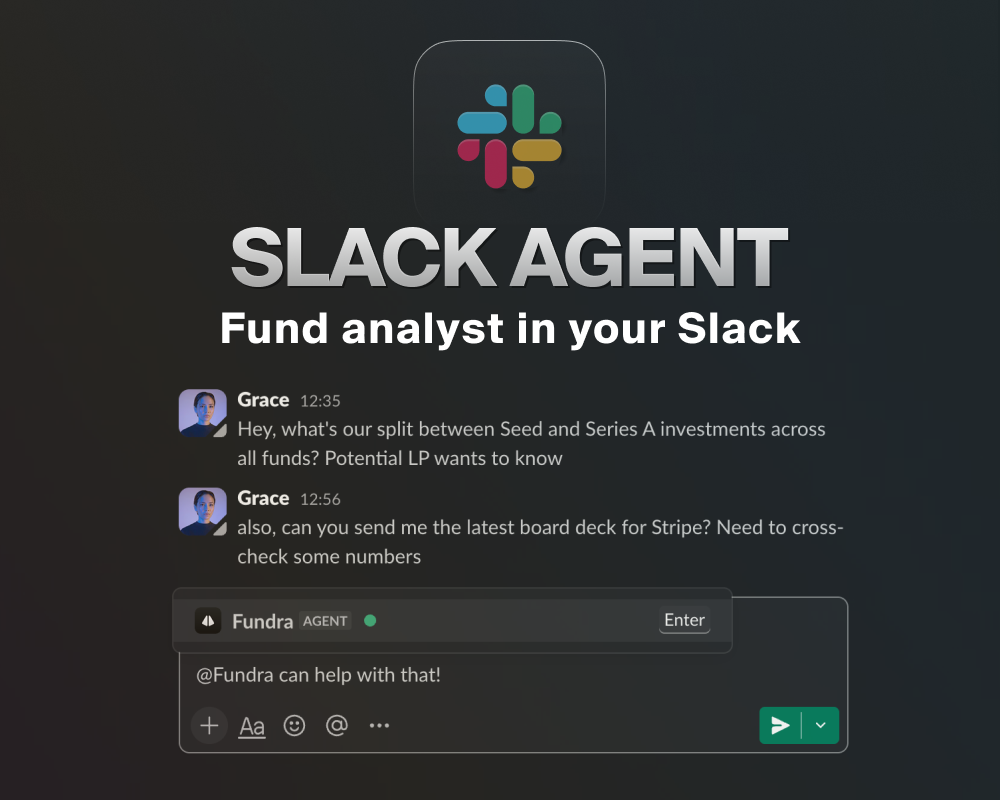
Fundra's Slack Agent is live – @-mention Fundra in any channel, thread, or DM and get an answer about your portfolio and funds.
Things people ask it:
"Are we more successful in Seed vs. Series A investments?"
"What's our conversion from Seed to Series A?"
"What's the split of our investments between stages across all funds?"
"What's the total IRR of our investments into Company X across all vehicles?"
"Get me the latest board deck for Acme."
"Give me the emails and LinkedIn URLs of my CEOs, and draft an intro email."
How it works
Same engine as Fund Analyst – it writes code against the whole Fundra API rather than guessing from a handful of endpoints, so IRR in Slack is the same number as IRR in your LP report
Multi-step questions and follow-ups: it reads the thread, and picks up channel context when you mention it outside one
Answers come back as Slack-native output – contact cards, charts and logos inline, board decks and financial statements uploaded straight into the thread
Deep links back into the Fundra app whenever you want to dig further
Anyone in the channel can read the answer, so one question unblocks the whole thread instead of one person
Permissions carry over. The bot never acts as a service account. Each person connects their own Fundra account once, and every query runs with their own token – if you can't see a confidential company in Fundra, you can't see it through Slack either.
Setting it up: Settings → Profile → Connect Slack. Your workspace admin may need to approve the Fundra app the first time someone in your firm connects. Full instructions in the Slack integration docs.
If you're already using the Slack integration for two-way comment sync, the agent works in the same workspace – nothing else to install.
Available now to all Fundra customers 🚀
 Fundra Team